iPad Stand Maker
App creator ACW
ACWNo ratings yet. Be the first to rate
AppMaker Space3D Print Tools
4 views · 0 likes · Created about 14 hours ago
About this app
What's new: v1.0.0
New version out. Based on community feedback, these updates are included:
iPad Stand Maker
Launch this app
How it works
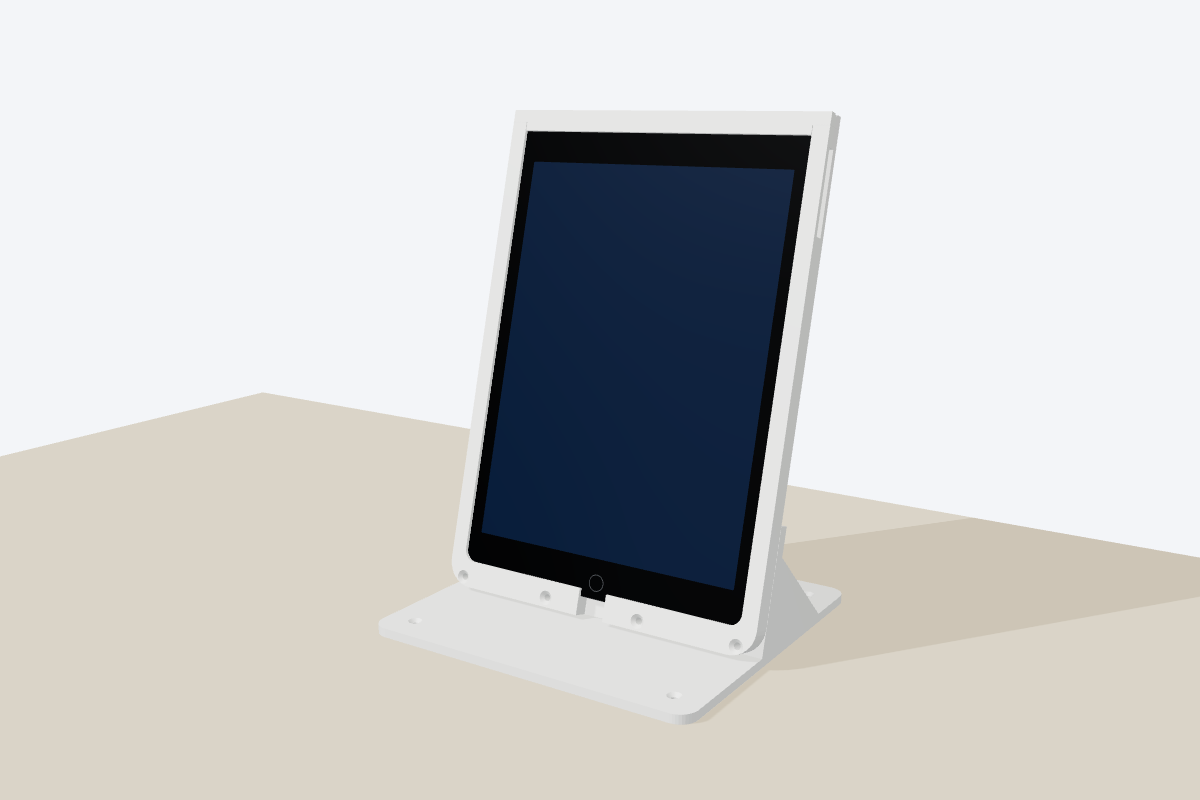
- 1Model dropdown with 43 iPads (iPad Pro, iPad Air, iPad mini and iPad, from Apple's published sizes), plus a Custom size option: type your own width, height, thickness and corner radius, for example for an iPad in its case or another tablet.
- 2Sliders for fit (clearance), screen border, wall thickness and recline angle.
- 3Optional bench base with screw holes to fix it to a bench, and M4 bolts that join the sleeve to the base. Each can be turned on or off.
- 4Cut-outs for the charging port, Home button, speakers, volume buttons and rear camera.
- 5One piece, or split into parts to suit your printer bed size, with a print plate view.
- 6Live 3D preview with a slide-in animation of the iPad going into the sleeve.
- 7STL and 3MF exports: sleeve (one piece or split parts), top cap, bench base and the whole print plate. Every part is a closed solid, already turned to its best print orientation, so no supports are needed.
- 8Works on phones as well as desktop.
Comments (0)
Feedback & bug reports: tell us about your experience or any issue with this app, even if you haven't exported. Add photos or video and we'll reply here when it's being fixed.
New feedback is reviewed before it is public. Photos, videos and flagged language always wait for approval.
No comments yet. Be the first!
At a glance
Category
Maker Space
Made by the community
Real builds and tips from makers using iPad Stand Maker.
No makes yet. Be the first to share what you built with iPad Stand Maker.