Organic Form Maker
App creator ACW
ACWNo ratings yet. Be the first to rate
AppMaker Space3D Print Tools
258 views · 1 likes · Created 6 months ago
About this app
What's new: v1.2.0
New version out. Based on community feedback, these updates are included:
Organic Form Maker
Launch this app
How it works
- 1Start from a ready shape — Circle, Oval, Square, Triangle, Hexagon, Star or Curve — or start from a drawing. Trace over a photo, or import an SVG or point file as a shape.
- 2Stack layers and attach each new layer to the one it sits on. Every layer can be moved, scaled, rotated and reshaped.
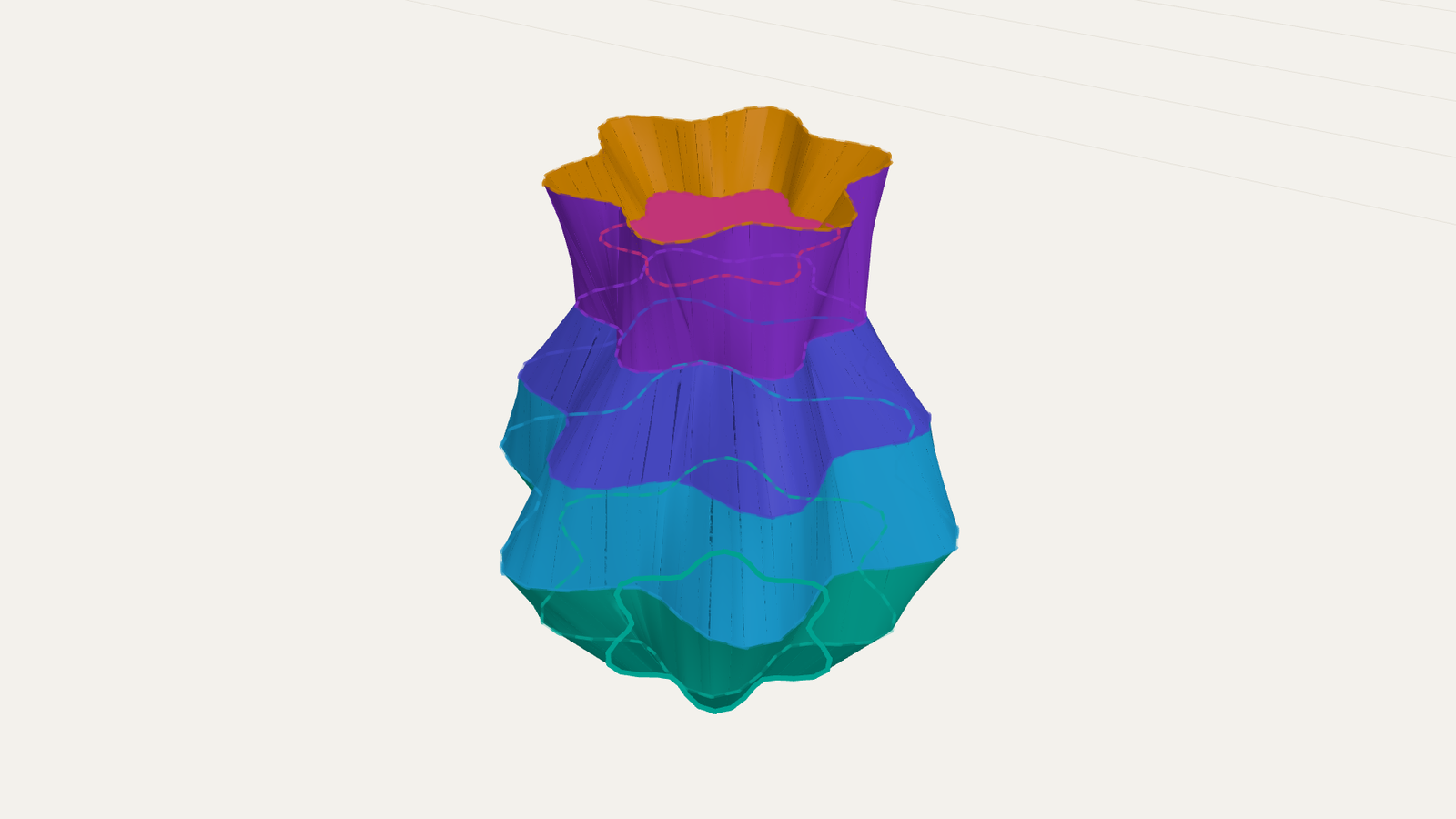
- 3Lofted skin: when a layer is attached to a lower one, the skin stretches from the parent's outline up to the child. Turn on a wrap so one surface follows every layer's outline, and set the skin pressure.
- 4Top and bottom domes, wall thickness, and caps to close the openings.
- 5Inflate a form, offset a copy of a layer, clone a layer, extrude a face, or carve a solid into the model.
- 6Several objects on the same bed, layer groups, undo and redo, and a 1.7 m human figure for scale.
- 7Import an STL as a reference to work against.
- 8Export STL or OBJ (Z-up, for the printer) or GLB. Save and load your project as a file, or save it as a template.
Comments (0)
Feedback & bug reports: tell us about your experience or any issue with this app, even if you haven't exported. Add photos or video and we'll reply here when it's being fixed.
New feedback is reviewed before it is public. Photos, videos and flagged language always wait for approval.
No comments yet. Be the first!
At a glance
Category
Maker Space
Made by the community
Real builds and tips from makers using Organic Form Maker.
No makes yet. Be the first to share what you built with Organic Form Maker.
