ScanForge – Image to 3D Model Converter
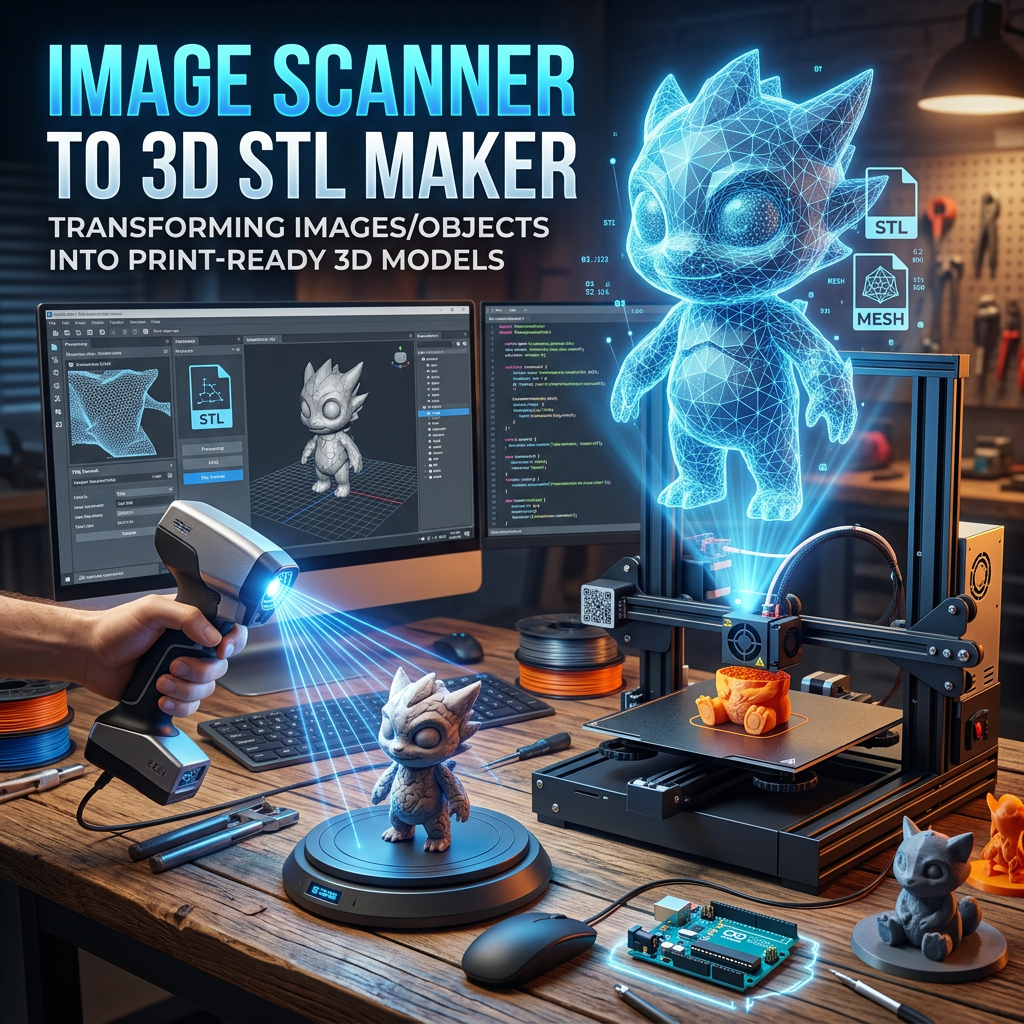
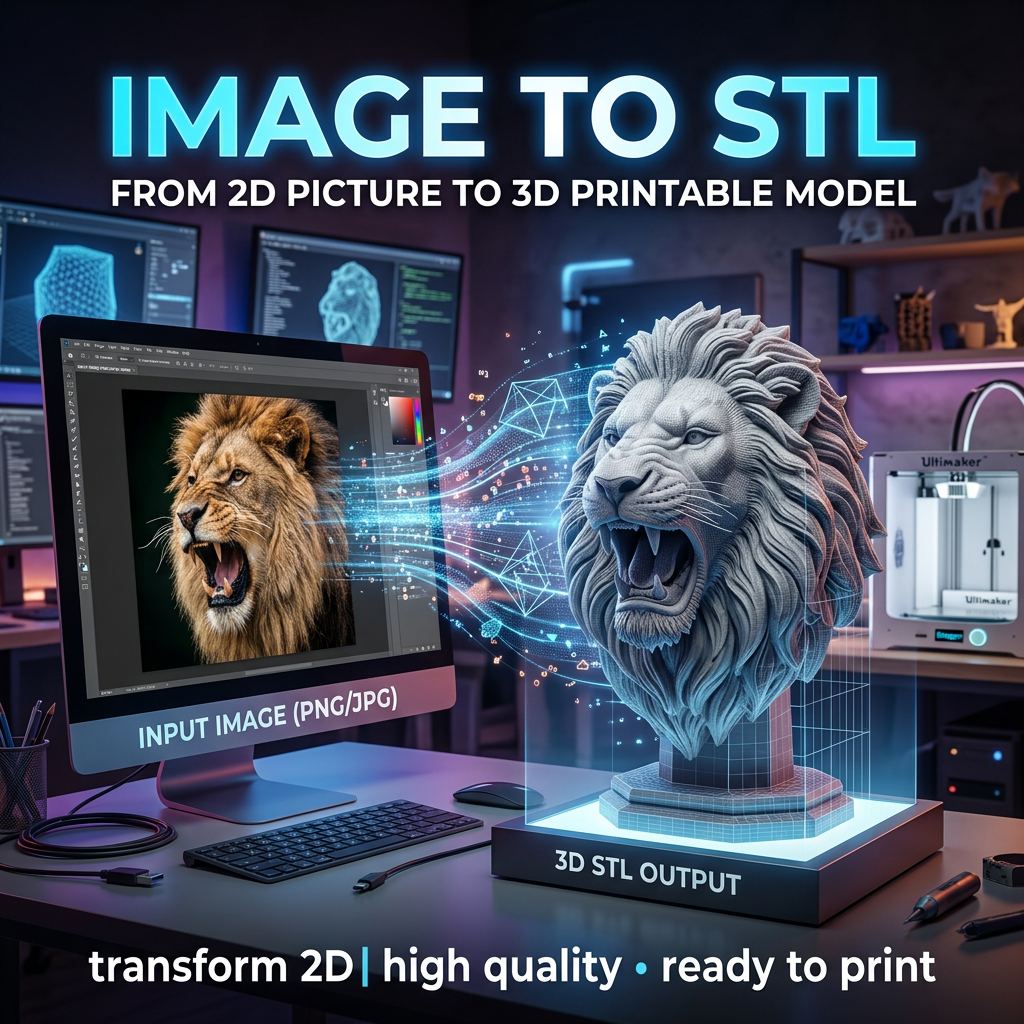
ScanForge is a powerful, easy-to-use web tool that instantly converts any 2D image (PNG or JPG) into a high-quality 3D printable model.
What it does:
Upload a photo and it automatically generates a detailed heightmap-based 3D model with a solid 3mm base.
Perfect for turning logos, portraits, artwork, textures, maps, or any image into real 3D objects ready for printing.
Exports professional STL files compatible with all 3D printers and slicers (Cura, PrusaSlicer, Bambu Studio, etc.).
Key Features:
Real-time 3D preview with orbit controls
Full control over Max Depth, Contrast, Brightness, Smoothing, and Inversion
Multiple tiling options (1 to 6 tiles) for large prints
Adjustable lighting settings for better visualization
Professional dark enterprise-style interface
Completely free to use – no signup, no watermarks
Who it's for:
Makers, 3D printing enthusiasts, designers, engineers, teachers, and hobbyists who want to quickly turn their ideas or images into physical 3D models.
Simple. Fast. Powerful.
Just upload → adjust settings → generate → export STL.
ScanForge
Launch this app
Comments (0)
Feedback & bug reports: tell us about your experience or any issue with this app, even if you haven't exported. Add photos or video and we'll reply here when it's being fixed.
New feedback is reviewed before it is public. Photos, videos and flagged language always wait for approval.
No comments yet. Be the first!
At a glance
Category
Community 3D Printing
Made by the community
Real builds and tips from makers using ScanForge.
No makes yet. Be the first to share what you built with ScanForge.
 ACW